
USB cables look the same. They are not.
Most of what matters on a USB cable is invisible. We organized the mess into a simple reference at usb.periscoped.io.

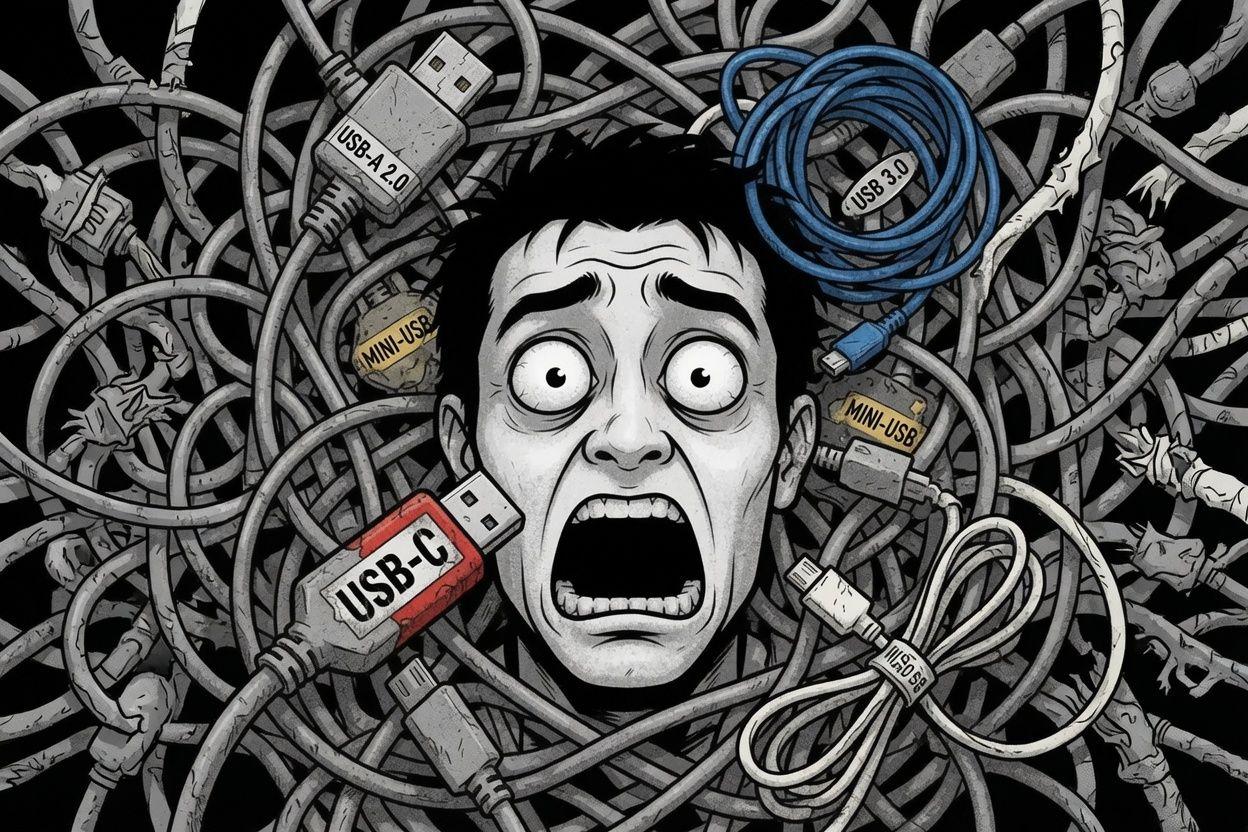
The problem
You cannot see what a USB cable actually does.
Same USB-C shell. Totally different insides. One cable is charge-only. Another does SuperSpeed data. Another handles Power Delivery. Another can carry video. A few are rated for 40 or 80 Gbps - if the host and the cable both support it. The plastic looks identical. The packaging often does not help. Spec names pile up. Type-A, Micro-B, and old Lightning gear are still in the mix.
So buying the wrong cable is easy. Speccing the wrong port for a product is easy. Asking "which one do I need for this dock?" turns into a long conversation with four different answers.
The hard part is not that USB is complex. It is that the complexity is hidden.
What we did about it
We went out, researched the common form factors and tiers, and put them in one place: speed, power, year, rough cable cost, market status, and plain flags for things like data, power delivery, video out, and when you need a rated cable.
No sales pitch. No "buy this." Just organized reference material you can scan.
Filter by type, status, capability, speed, power, or price. Open a card when you want detail. Treat it as research, not gospel - always check the USB-IF docs and the vendor for anything you ship or buy.
If you have ever stood in a drawer full of black cables wondering which one is which: that is the problem. This is a small tool to make that simpler.
USB Infographic - powered by Periscoped.
Enjoyed this? Explore more on architecturebest practices or get in touch.